 Blocksmith
Fit the blocks, clear the lines
Blocksmith is a block puzzle for iPhone, iPad and Android. Drag pieces onto the board, fill a row or column to clear it, and keep the combo going

How it plays
An 8 by 8 board and three pieces at a time. There is nothing to learn beyond that, and plenty to get good at
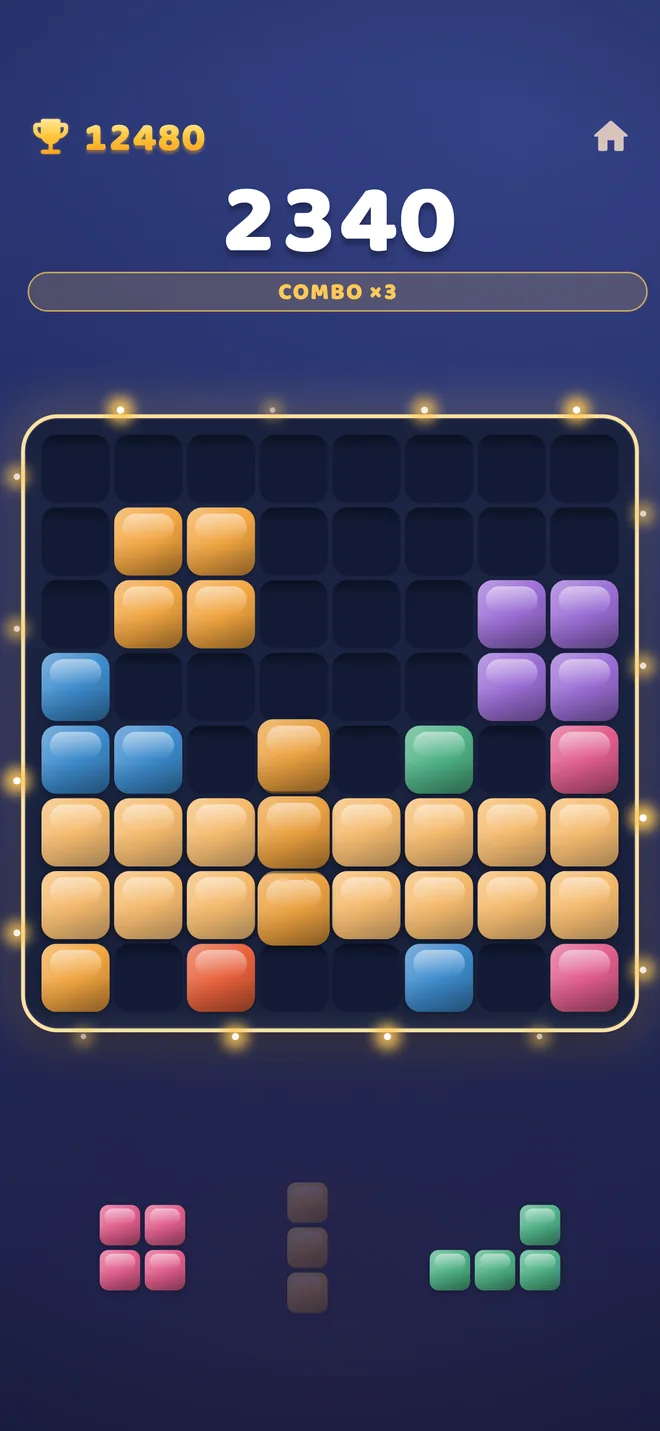
Drag a piece onto the board
Place each piece anywhere it fits. The board shows you which lines a move will complete before you let go.
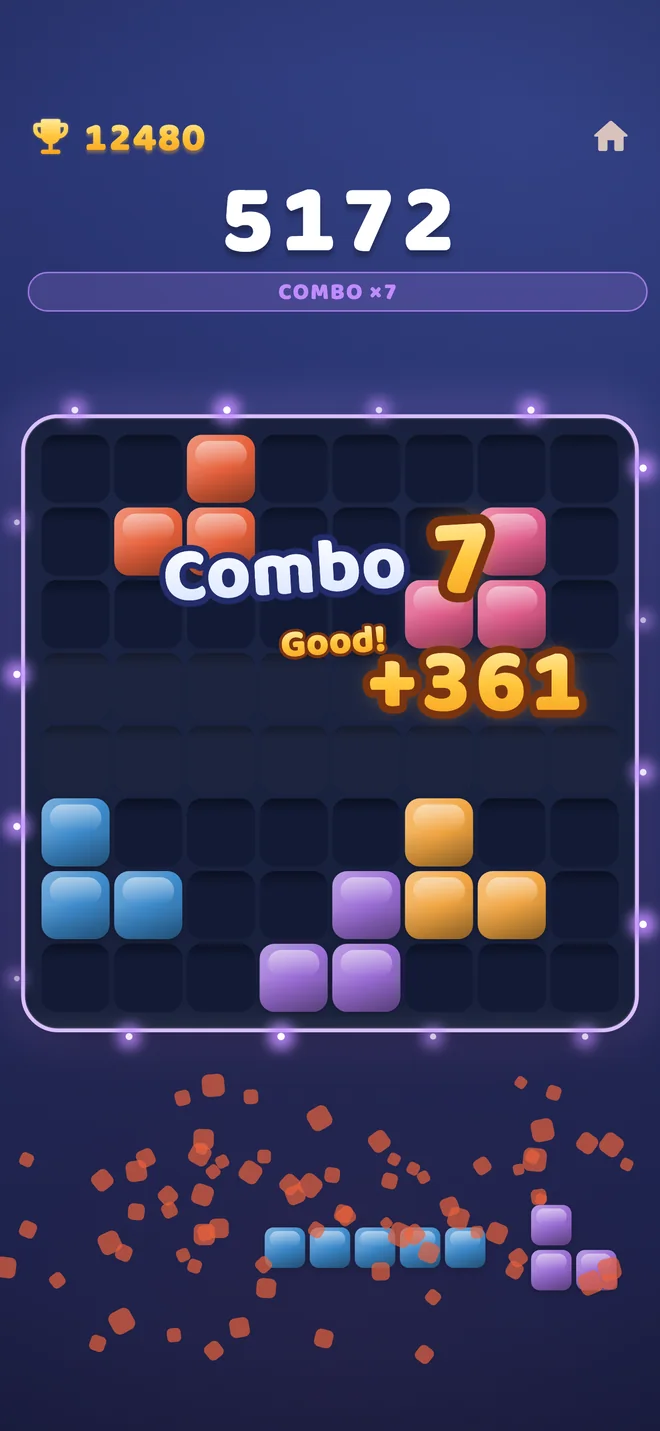
Fill a line to clear it
A full row or column disappears and scores. Keep clearing and the combo climbs, multiplying every clear that follows.
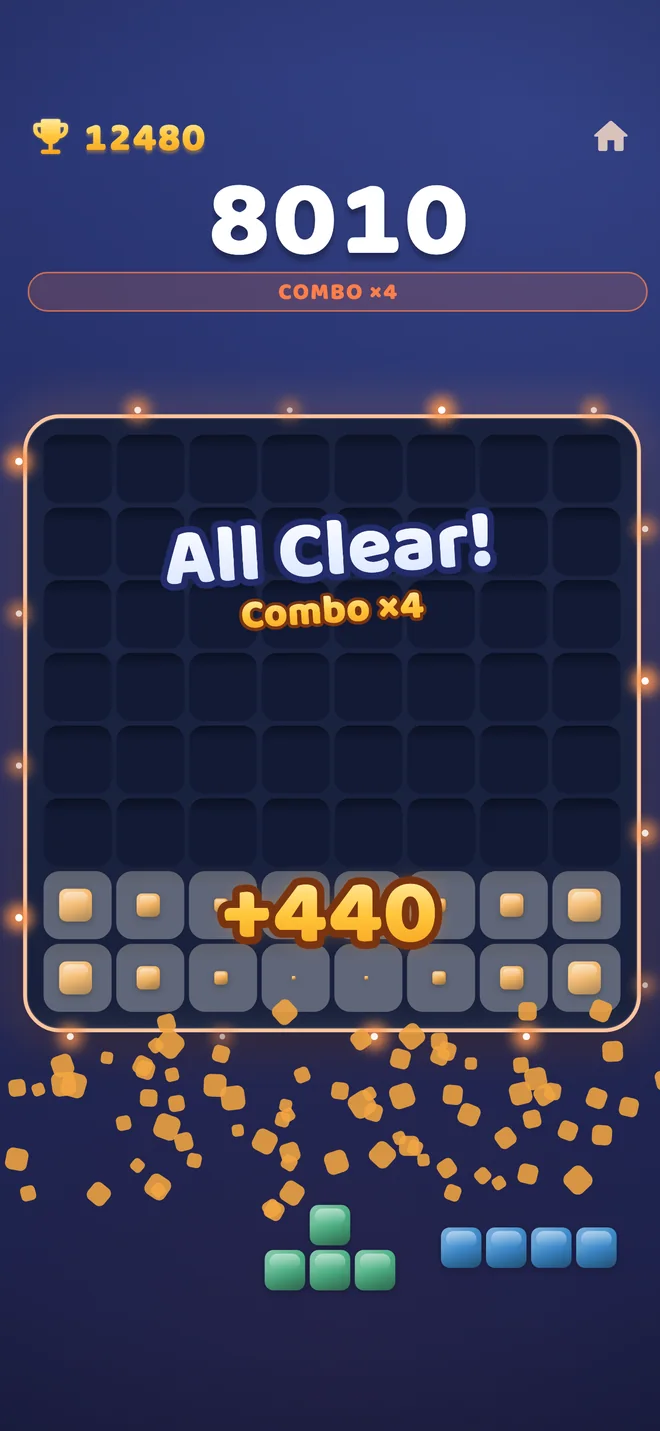
Empty the board
Clear the very last block for an All Clear and a bonus on top. The game ends when none of your pieces fit.
A closer look
Five moments from a game, side by side
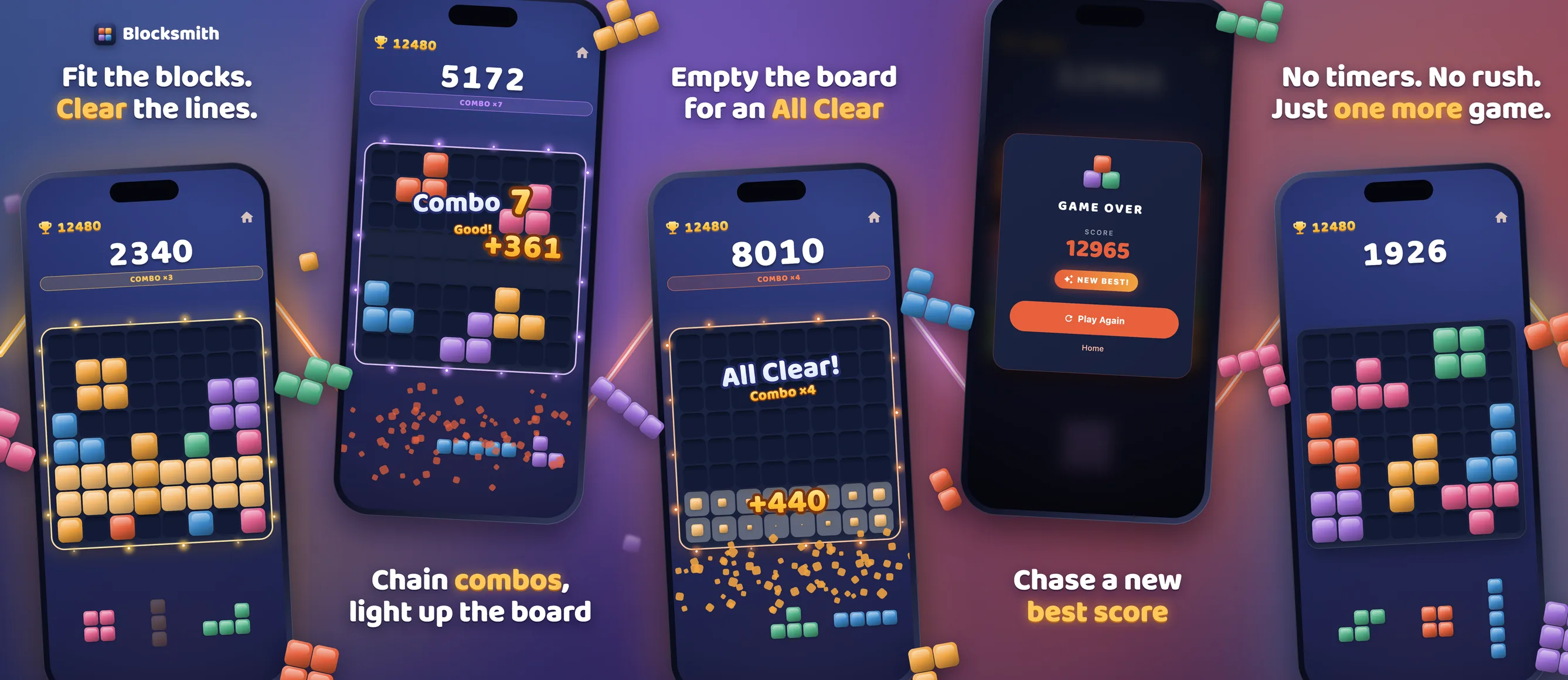
Scroll sideways to see all five
What is in the game
One mode, done properly, and the small things that make it easy to come back to
No timer
Take as long as you like over every move
Picks up where you left off
Close the app mid-game and the run is waiting when you come back
Light and dark
Follow your phone's setting or choose one yourself
Sound and haptics
Each has its own switch in Settings
Phone and tablet
Made for iPhone, iPad and Android
Your best score, kept
Saved on your device and shown at the top of every game
Free to play, and fair about it
Blocksmith is paid for by ads. Here is exactly how that works
The pieces are never rigged
The part of the game that deals your pieces does not know whether you watch ads or have bought anything. It cannot make the next pieces harder to sell you a way out.
The one thing an ad can do is the revive you choose yourself: a second chance at the end of a game.
Ads and the one purchase
- Ads sit between games. Never in the middle of one.
- Revive is optional. Once per game you can watch an ad to keep playing.
- Remove ads is a single purchase. It switches off the ads between games for good, and can be restored on a new device.
Questions
Is Blocksmith free?
Yes. It is free to download and play, with ads between some games. One optional purchase removes those ads.
What does Remove ads do?
It removes the ads that appear between games, for good, with a single payment.
The option to watch an ad to revive a finished game stays, because that one is your choice each time.
How do I get my purchase back on a new phone?
Open Settings in the game and choose Restore purchase while signed in to the same Apple or Google account you bought it with. A purchase made on iPhone cannot be moved to Android, or the other way round, because the two stores are separate.
Is there a time limit?
No. Nothing in the game is timed.
What happens if I close the app in the middle of a game?
The game is saved after every move. Open Blocksmith again and choose Continue.
Where is my best score kept?
On your device. There is no account and no cloud copy, so deleting the app resets it.
Why does the iPhone version ask about tracking?
Apple requires apps to ask before using your device's advertising identifier. Blocksmith's ad provider can use it to make ads more relevant. The game plays exactly the same whichever answer you give.
You can read the details in the privacy policy.